This project updates the time tracking mobile app, rebuilding it in Ionic and migrating to the new design system.
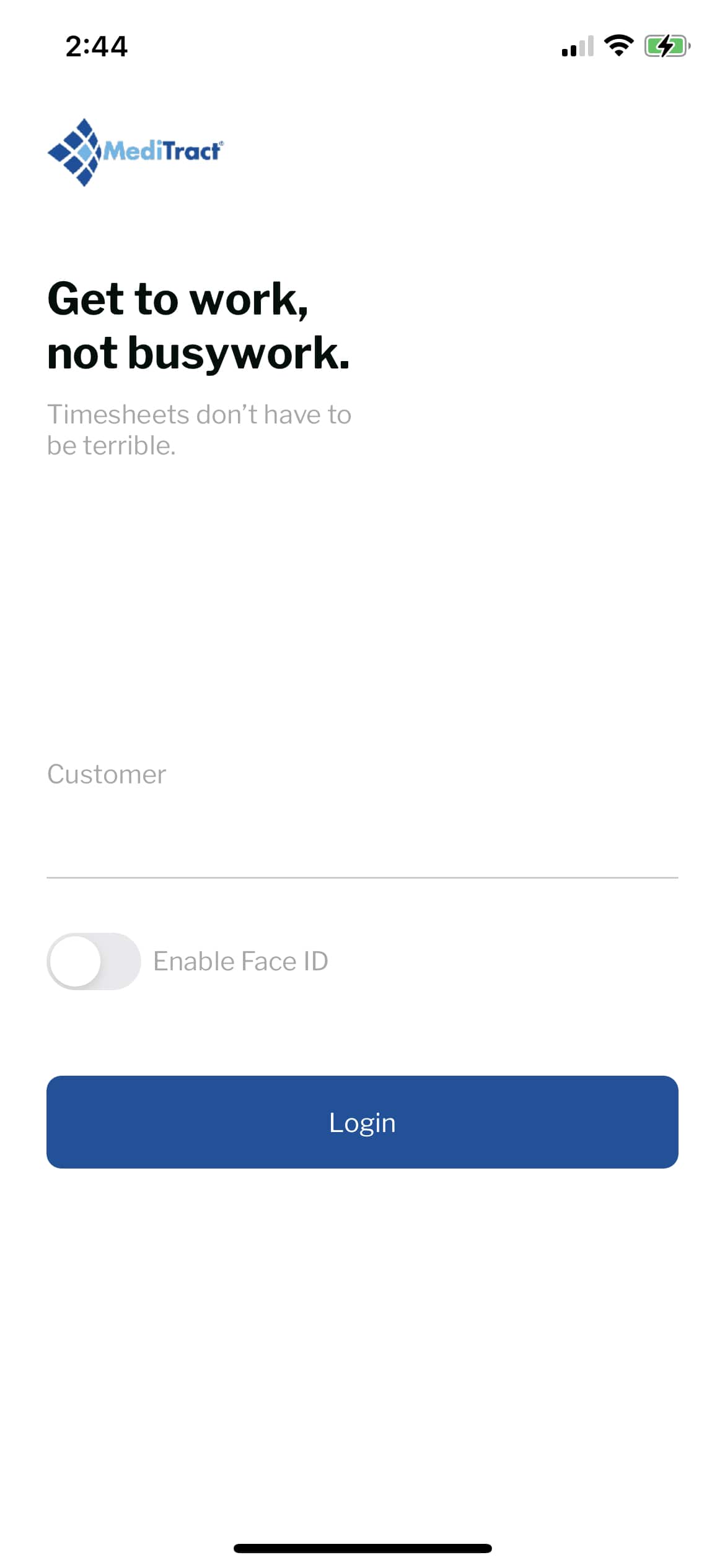
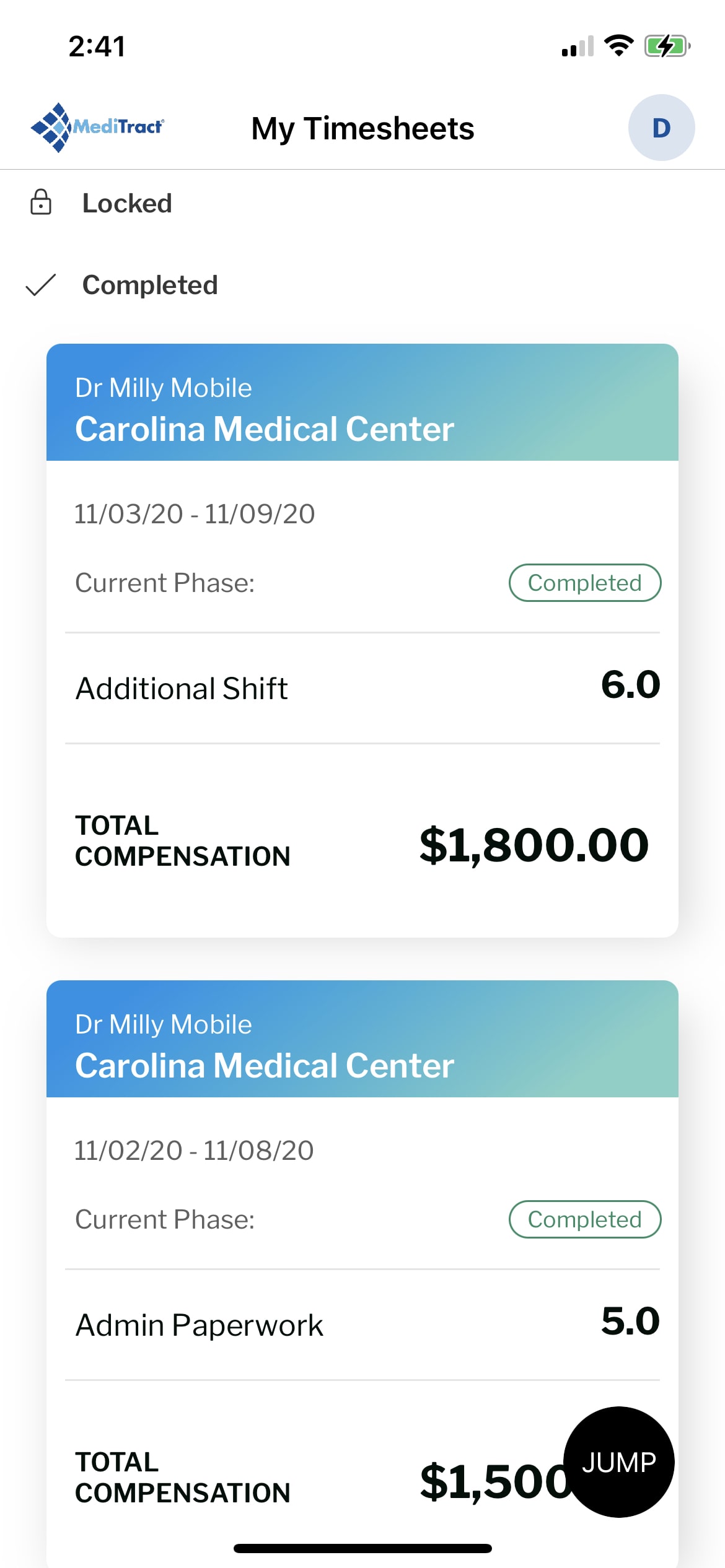
First, I downloaded the app to understand the current time tracking experience and workflows.
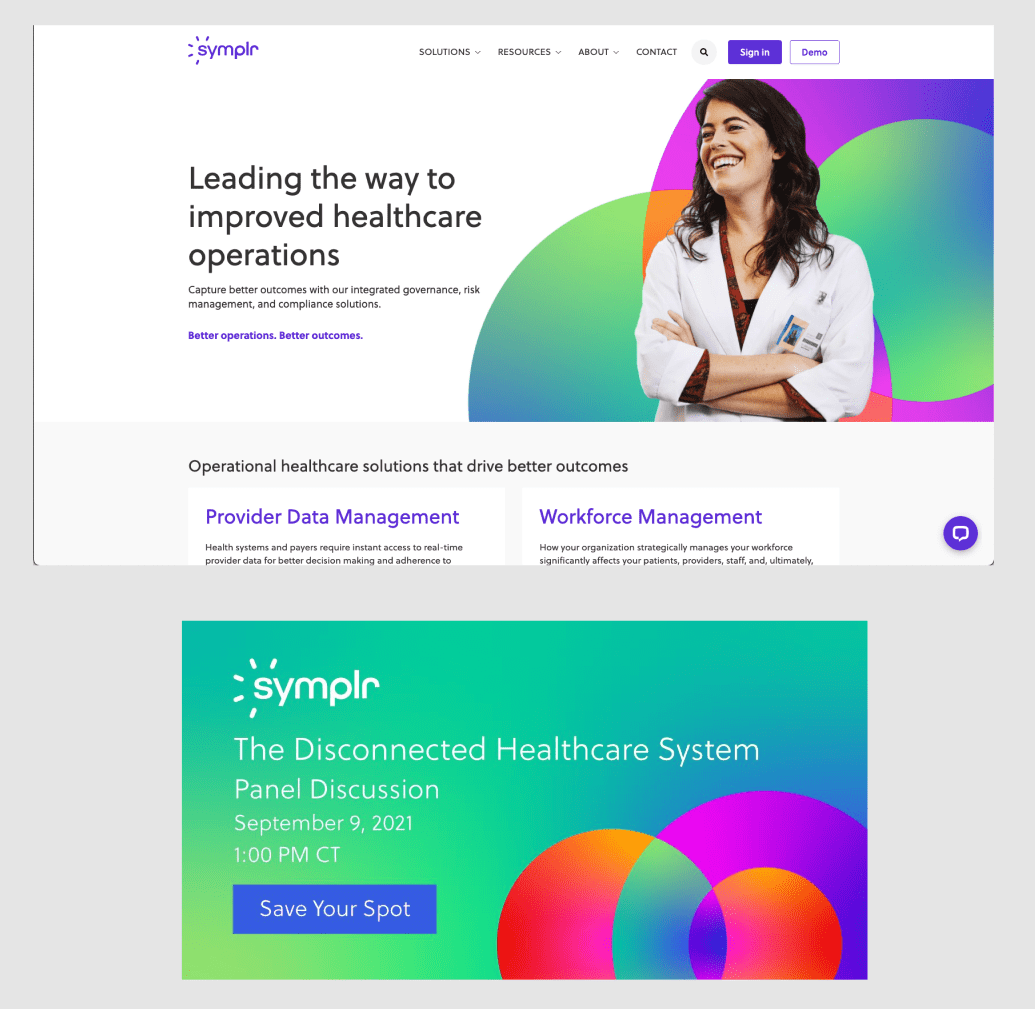
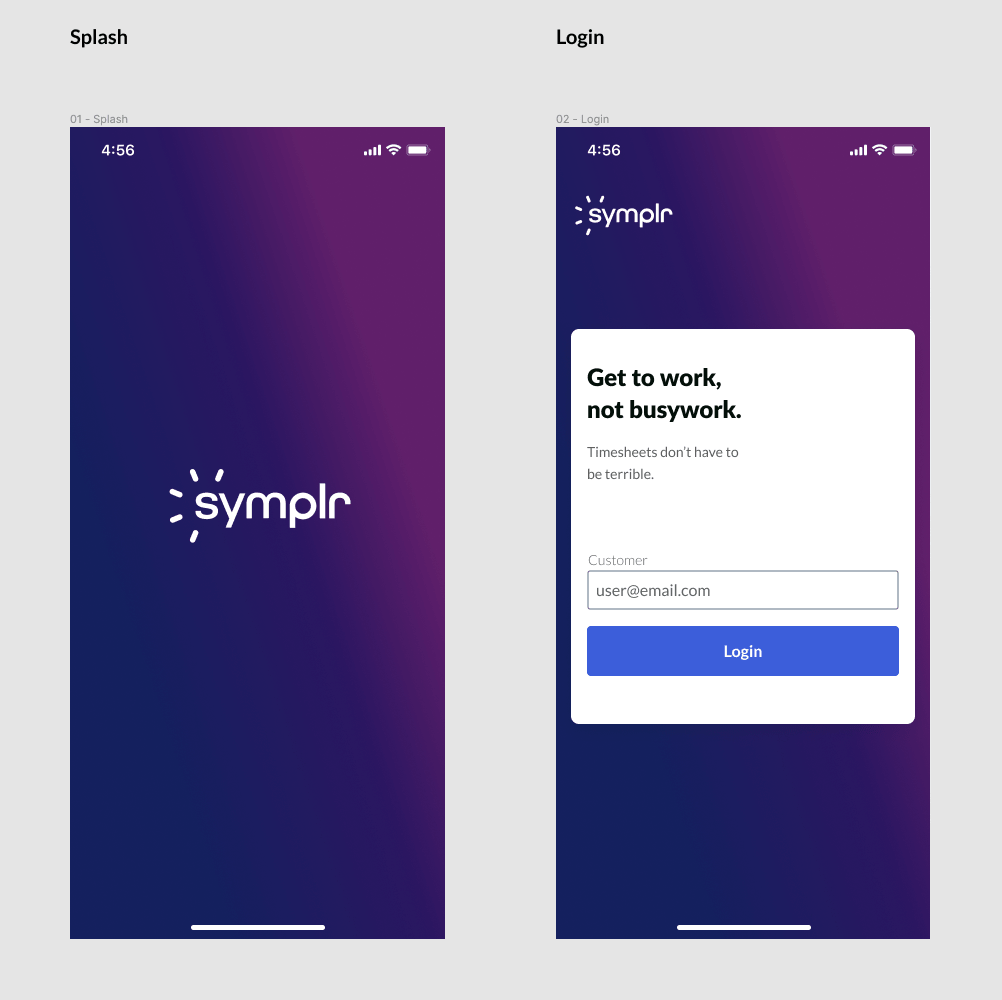
The first mockup aligned with the new company gradient branding.
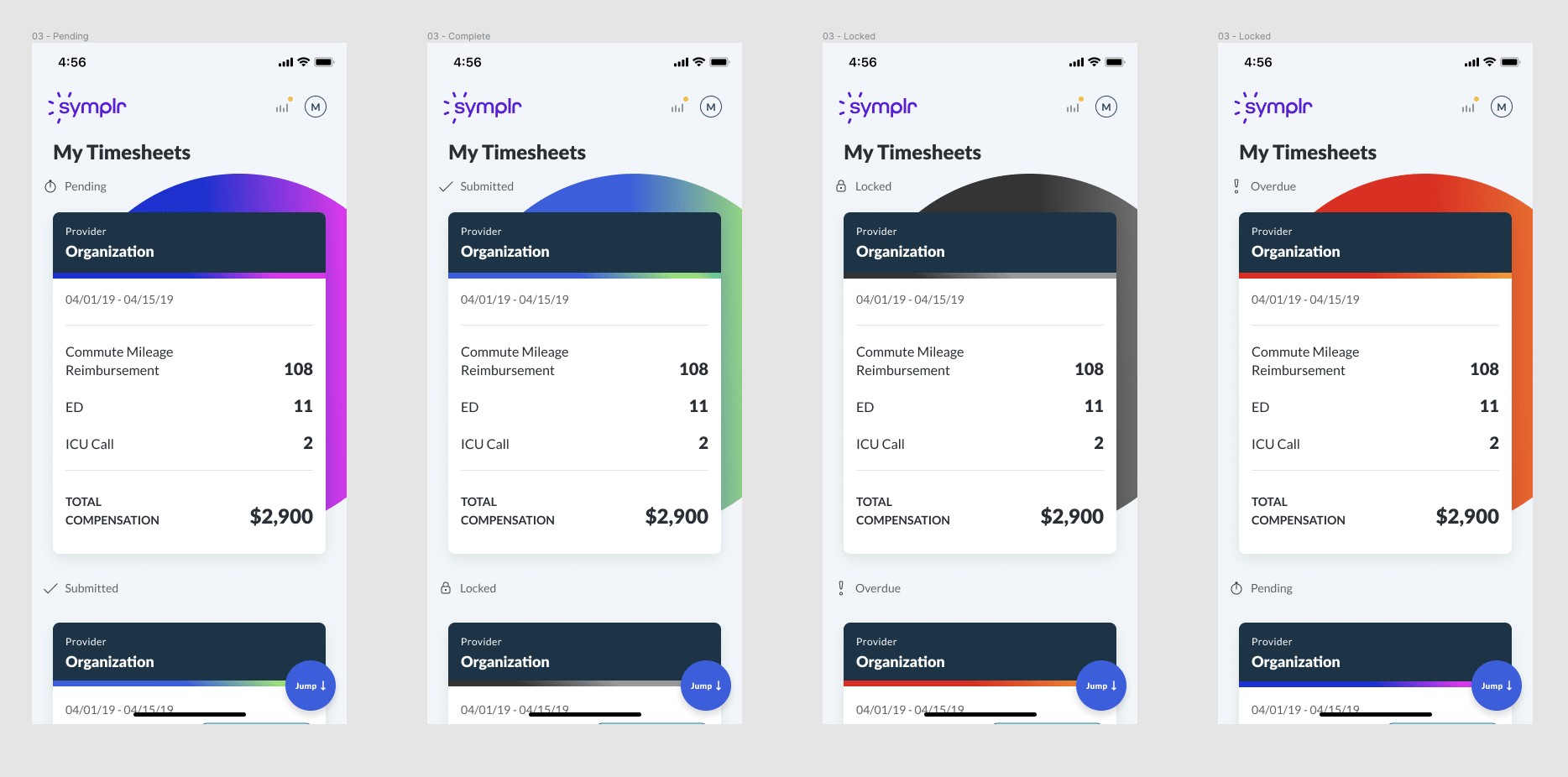
Redesigned interface with new design system component theme.
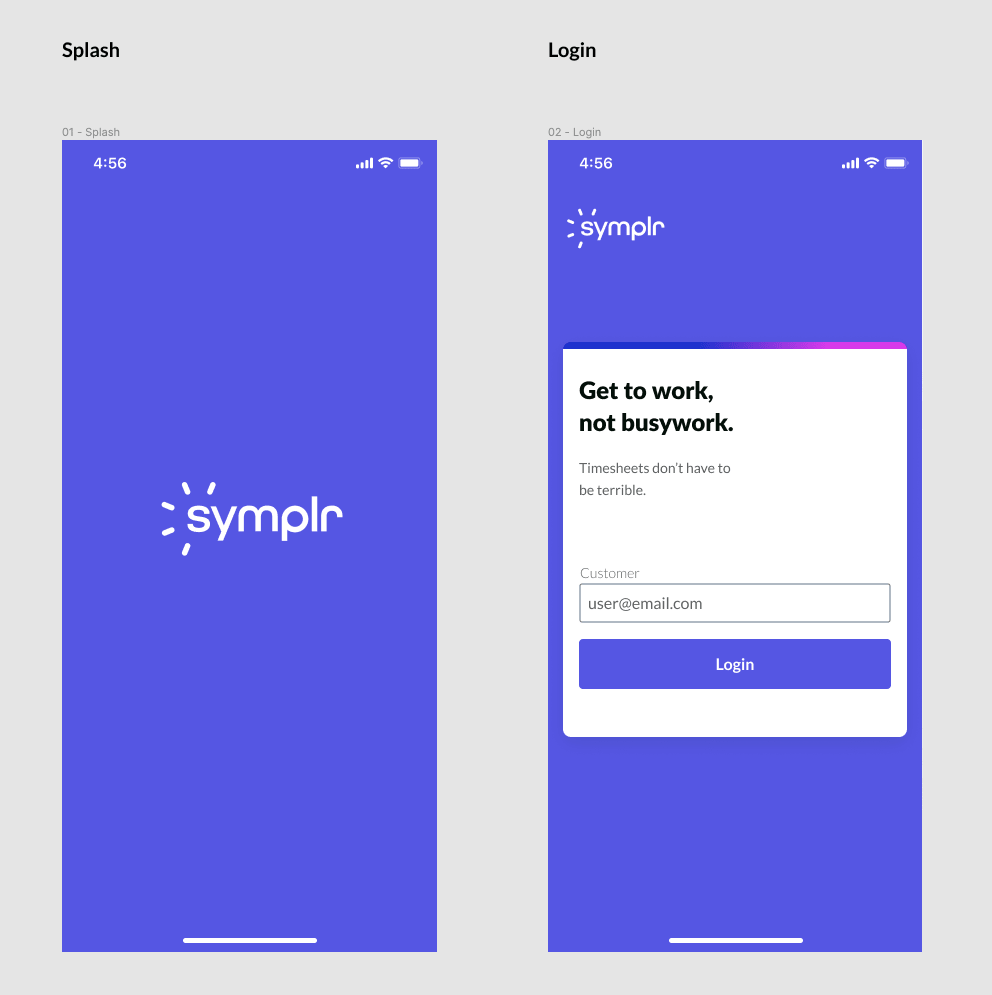
A simple, elegant login screen using Alloy's purple brand color.
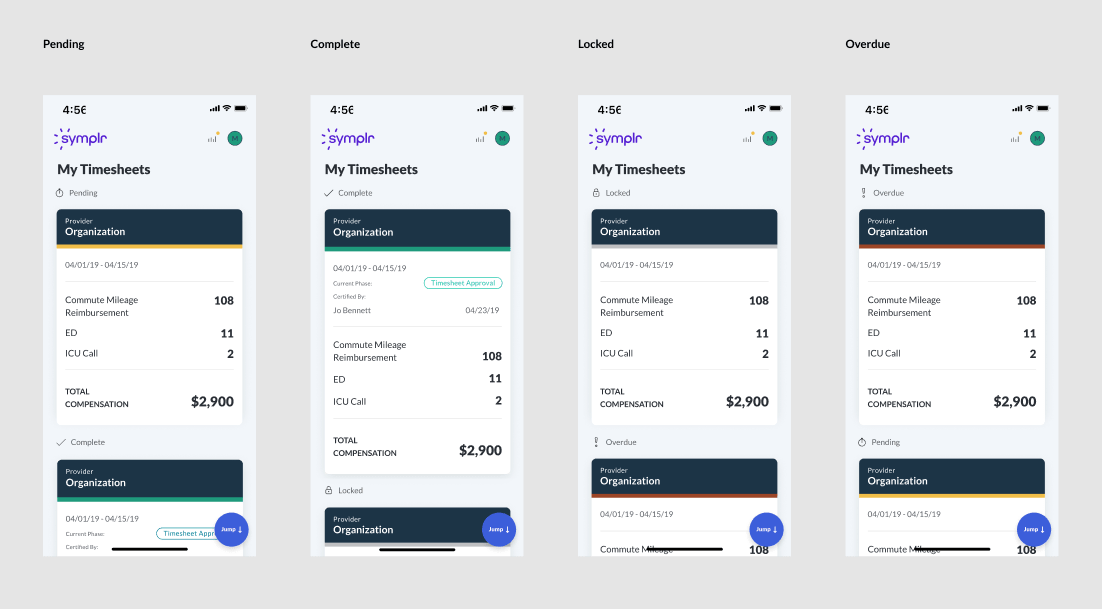
Opted for Alloy's semantic color system over gradients to maintain clear UI communication.

The redesigned Total Compensation screen brings desktop features to mobile—including expandable cards and date range filtering.
The time tracking mobile app was successfully rebuilt in Ionic and migrated to the new Alloy design system. Key improvements included bringing desktop functionality to mobile—such as expandable cards and date range selection on the Total Compensation screen—while maintaining a clean, accessible interface using semantic colors. The redesigned app is now live in production, providing users with an updated, cohesive experience across platforms.
This project was to revamp the clipping interface for the company's flagship product. By interviewing potential customers, we discovered that the original clipping interface was too complex to learn. After some competitor research and user testing, I designed a solution that met the users' needs. I added new panels at the bottom that visually showed the start and end clip points. Each panel allowed the user to easily move 1 second or 1 frame, forward or back, in the timeline. This allowed for frame accurate clip creation. I also added a play button to preview that portion of the clip. Feedback was very positive from customers and this new version of the clipping interface was implemented into the product.
February 2020
by Joel Gabiola
UX/UI, Interface